
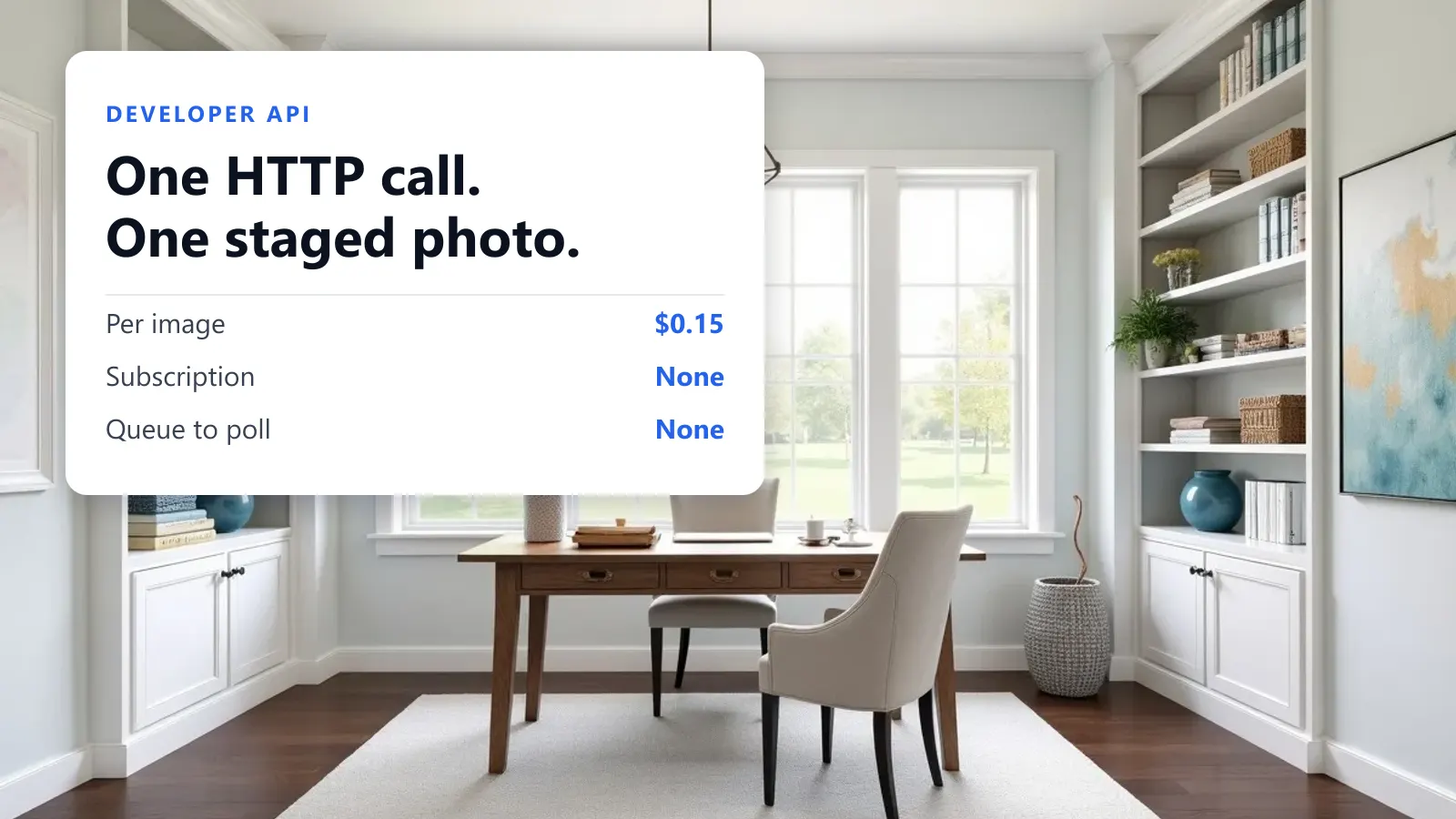
The staging engine behind the web app is now available as an HTTP API. You post a photo of a room, name a room type and a furniture style, and the staged image comes back in the same response. It costs $0.15 an image, there is no subscription, no minimum and no monthly invoice, and the reference documentation is at stagify.ai/developers.html.
This post is the part a reference page cannot be: why the API is shaped the way it is, and the handful of things that will trip you up on the first afternoon.
The whole API is one endpoint
There is exactly one call that costs money.
curl https://stagify.ai/api/v1/renders \
  -H "Authorization: Bearer $STAGIFY_API_KEY" \
  -H "Idempotency-Key: $(uuidgen)" \
  -F "image=@living-room.jpg" \
  -F "roomType=Living room" \
  -F "furnitureStyle=modern" \
  -F "labelVirtuallyStaged=true"
That is the integration. The response carries the staged image as a data URL, along with a status and a request id. Everything else in the API is free and read-only: GET /api/v1/options hands you the accepted values for every enum, GET /api/v1/me tells you whether your key works, GET /api/v1/credits reports the balance, and GET /api/v1/renders/{id} looks one render back up.
Requests are multipart/form-data, because you are uploading a photograph and base64 in a JSON body would cost you a third more bytes for nothing. Images are JPEG, PNG or WebP up to 25 MB, and it is the MIME type that is checked, not the file extension.
Why there is no job queue
The obvious design for a slow image API is to accept the request, return a job id, and make the client poll for the result. We deliberately did not do that, and the reason is worth stating, because from the outside it looks like a shortcut and it isn’t.
This app has no job queue at all. Adding one purely for the API would mean introducing a queue whose jobs live in a single process, on a host that restarts on every deploy. When that happens mid-render, the customer’s credit is already spent and there is no socket left to tell them anything. That failure is strictly worse than a dropped connection, because a dropped connection can be retried against the same idempotency key and cost nothing.
So a render holds the connection until it finishes, which takes anywhere from a few seconds to a couple of minutes. Set your client’s read timeout to 300 seconds. The default in most HTTP libraries is 30 or 60, and a client that gives up at 30 seconds will look like an API that fails constantly while quietly spending credits on renders it never collects.
status: "succeeded", and GET /api/v1/renders/{id} already exists. If we ever do add a queue, it arrives as a new status value on the same endpoint, not as a new API. Treat any status other than succeeded as “go poll the GET” and your client is already future-proof.
The same reasoning caps variations at 1. One request is one credit is one image is one refund, with no partial-fanout arithmetic anywhere in the money. If you want three looks at a room, issue three concurrent requests: you get better parallelism that way than the fan-out ever gave you.
Prepaid credits, and why that is a security feature
You buy credits up front. Each successful render spends one, and a render that fails is refunded automatically, so you never pay for a photo you did not receive. Packs start at 20 credits for $3, and the per-image price falls as they get larger, down to $0.12 an image on the 500-credit pack. The live table is on the API documentation page, rendered from the same data the payment webhook charges against, so it cannot drift from what you are actually billed.
Metered billing would have been easier to build. Prepaid is better for you in one specific way: a stolen key can cost you at most the balance left on it. There is no invoice at the end of the month, no overage, and no scenario where a leaked key becomes a four-figure bill before anyone notices. The hard stop at zero is the point rather than a limitation, which is also why every response carries an X-Stagify-Credits-Remaining header: you can watch the wall approach without polling for it.
Keys are meant for server-to-server use only. The API sends no CORS headers, so browser JavaScript cannot call it, and that is deliberate rather than an omission we intend to fix. A key reachable from a browser is a leaked key. We show a new key exactly once, store only a hash of it, and revoke on the spot from the API keys dashboard.
Four things that will trip you up
Every API has behaviours that are perfectly reasonable once explained and baffling before. Here are ours, stated plainly rather than left in a parameter table.
roomTypeis case- and space-sensitive, and a wrong value is not rejected. It is written into the prompt as free text, soLiving Roomis notLiving room. You will get a render, just not the one you meant, and you will have paid for it. The accepted set isBedroom,Living room,Dining room,Kitchen,Office,Bathroom,OutdoorsandDorm. Pull it fromGET /api/v1/optionsrather than retyping it into your own dropdown.- An unrecognised
furnitureStylesilently becomesstandard. Same class of problem, quieter symptom: a typo in a style name does not error, it just gives you the default look on every image in the batch. removeFurnitureacceptstrueoron, and nothing else. Not1, notyes. Both of those read as false, and you get a staged photo with the old sofa still in it. Its companionkeepFurnituretakes free text naming what to leave in place, up to 500 characters, and is only read whenremoveFurnitureis actually set.- Send an
Idempotency-Keyon every request. Omitting it is allowed and means no replay protection, which is the honest default; we will not derive one from your photo, because two genuinely separate renders of the same room would then collide and the second caller would be handed the first one’s image. Retry with the same value and a completed request replays from storage withX-Stagify-Replayed: trueand no second charge. Reuse one with different parameters and you get422 IDEMPOTENCY_KEY_REUSED, which is the API telling you your key generator has a bug.
Beyond those, the parameters worth knowing mirror the web app: additionalPrompt for free-text direction, and up to five furnitureImage reference photos for the model to match against.
The disclosure label cannot be switched off
Most MLS rules, and the NAR guidance behind them, require a staged listing photo to say that it is staged; since January 2026 California’s AB 723 requires it by statute. We have written the state-by-state version of that at length.
labelVirtuallyStaged burns the disclosure into the pixels rather than attaching it as metadata, because metadata is stripped by roughly every downstream tool an image passes through on its way to a portal. You control how it looks: stampStyle picks between dark, light, minimal and banner, stampScale sizes it between 0.7 and 1.6, and stampLang renders it in any of eleven languages.
What you do not control is the failure mode. If the label is requested and cannot be applied, the image is withheld rather than delivered unlabelled. The call answers 500 DISCLOSURE_STAMP_FAILED and your credit is refunded. There is no flag to disable that, and no per-key default that quietly turns it off. The alternative is shipping an unlabelled staged photo to a customer who explicitly asked for it to be labelled, which is the one bug in this system that could put somebody in front of a regulator.
Errors, and the one rule about them
Every failure answers with a JSON body carrying both an error string and a code. Branch on the code, never on the message. Messages get rewritten; codes do not.
The ones you will actually meet in production are 402 INSUFFICIENT_CREDITS (top up; the body carries the remaining balance), 409 CONCURRENCY_LIMIT (too many renders in flight on one key; the default allowance is three at a time, so back off a second and retry), 409 REQUEST_IN_FLIGHT (you retried an idempotency key that is still running, so wait rather than escalating), 429 RATE_LIMITED, and 422 NO_IMAGE_GENERATED, which means the model returned nothing and is refunded automatically. The render rate limit is currently 60 per key per five minutes; if you need more than that, or an invoice instead of a card, email us.
Notice the pattern across all of those: anything that fails after a charge is refunded. That invariant is the reason the API is synchronous and the reason variations is capped at one, and it is the thing we would give up features to keep.
Who this is for, and who it isn’t
The API exists for the cases where staging is a step in somebody else’s pipeline rather than something a person sits down to do:
- Listing platforms and IDX vendors staging on ingest, so an agent’s empty-room photo is already furnished by the time it reaches a search grid.
- Photographers’ delivery tooling. If you already have a script that renames, resizes and uploads a shoot, staging becomes one more step in it rather than an evening in a web app.
- PropTech products that want staging as a feature without building the model plumbing, the disclosure stamping and the failure handling behind it.
- Batch work of any size, because the price is per image and the floor is $3.
It is emphatically not for a person staging one house. If that is you, the web app does more than the API does, since Masking Studio and the AI Designer have no API equivalent, and it is free, with no watermark. Paying $0.15 to do in code what you can do for nothing in a browser would be a strange choice, and we would rather say so than sell you a credit pack.
Getting started
Create a key on the API keys page, buy the smallest pack, and spend one credit on a photo you already know the answer for. Then read the reference properly before you write the batch loop, particularly the idempotency table. Twenty credits is $3, and that is more than enough to find out whether this fits your pipeline.
Sources & notes
- Stagify API documentation. The authoritative reference for endpoints, parameters, error codes and current credit-pack pricing. Where this article and that page disagree, that page is right: its pricing table is generated from the same data the payment webhook charges against, and this one is prose written on a particular day.
- API keys & credits dashboard. Create and revoke keys, buy packs, and read the balance. Desktop only.
- Rate limits, the per-key concurrency allowance and pack prices quoted here are the defaults at the time of writing and are subject to change. Higher limits and invoiced billing are available on request at team@stagify.ai.
- California AB 723 and the MLS disclosure rules referenced above are covered with citations in Do You Have to Disclose Virtual Staging? rather than repeated here.