



One-click AI staging is great when you want a furnished photo in seconds. But real listings aren’t always that simple. Sometimes you need to change only part of a photo, place a specific piece of furniture, or keep refining a room until it’s exactly right. That’s what Stagify’s two Stagify+ power features are built for.
One-click staging is the floor, not the ceiling
Most AI staging tools stop at a single button: upload, pick a style, take what you get. It’s a great starting point, and it’s how Stagify’s free staging works too. But “take what you get” breaks down the moment you want control: a photo where only the corner needs furniture, a room where you love the rug but not the couch, or a space that needs three rounds of tweaks before it’s listing-ready. Stagify adds two tools for exactly those moments.
The Masking Studio: pixel-level precision
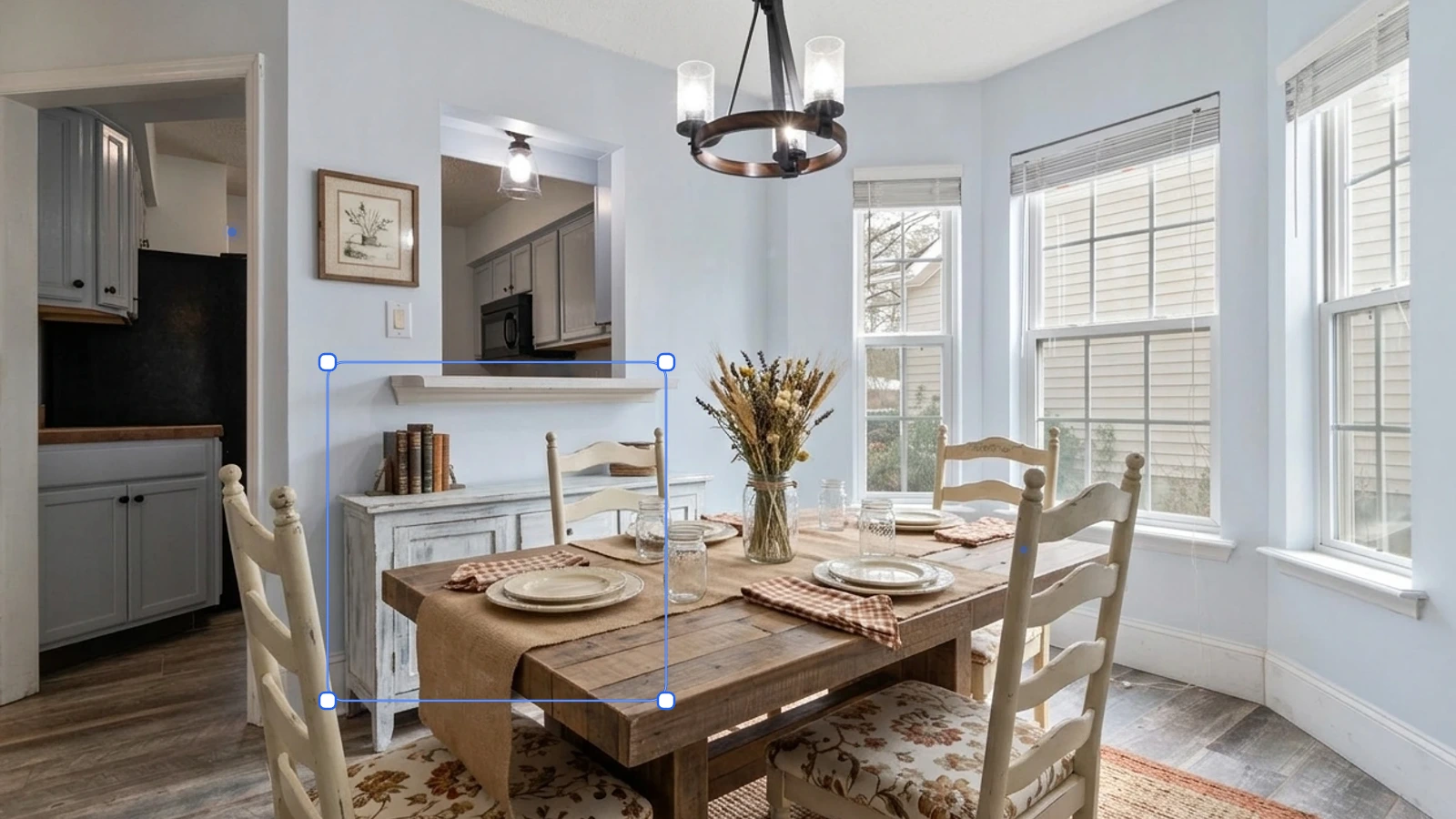
The Masking Studio lets you decide exactly which parts of a photo can change, and leaves everything else untouched. Here’s how it works:
- Upload a photo of your room.
- Highlight where each piece of furniture should go: paint it, drag a rectangle, or use the Magic tool to select an object or area with a single click. Use one color per area.
- Give every area its own furniture photo, a short prompt, or both, or switch an area to Remove object to clear out clutter.
- Click Apply Edit. Every area is staged at the same time, and only the highlighted spots can change. The rest of your photo stays pixel-perfect.
- Not happy with an area? Try another version to generate more options and flip between them.
Why that matters:
- Surgical control. Furnish an empty corner, swap a single chair, or clear clutter, without regenerating the whole room.
- Keep what you love. A great view, real furniture, or a feature wall stays exactly as photographed.
- Place your own furniture. Attach a specific sofa or bed image to an area, and it goes right where you drew it.
- Honest by design. Because masking never touches the room’s structure (walls, windows, flooring), your photo stays a true representation of the space, which makes it easy to disclose on the MLS.
The AI Designer: conversational, agentic staging
Where the Masking Studio is about precision, the AI Designer is about open-ended creativity. Instead of picking a preset and hoping, you have a conversation:
- Upload a room and simply tell the AI what you want: stage it, redesign it, change the style, or swap a single piece.
- It responds, and you keep going: “make it warmer,” “add a reading nook,” “try a mid-century look.” The AI iterates with you until the room looks listing-ready, with no starting over.
- It can even take a floor plan — an image or a PDF — and furnish it as a 3D plan seen from above, or step inside any single room on it for a photorealistic render, so a blueprint becomes a room buyers can picture.
Why that matters:
- Refine, don’t restart. Complex, specific looks come from a back-and-forth, not a single lucky click.
- No design skills needed. Describe what you want in plain language and let the AI make the decisions.
- From blueprint to room. Turn a floor plan into a rendered, furnished space for pre-construction and renovation listings.
Precision + creativity = results one-click can’t match
Most tools do one thing: they stage a photo, once. Stagify gives you the two capabilities they’re missing: exact control with the Masking Studio and open-ended iteration with the AI Designer. Together, they’re the difference between “a furnished photo” and “the photo you actually wanted.” Both are included with Stagify+, alongside unlimited staging and higher-quality models.