



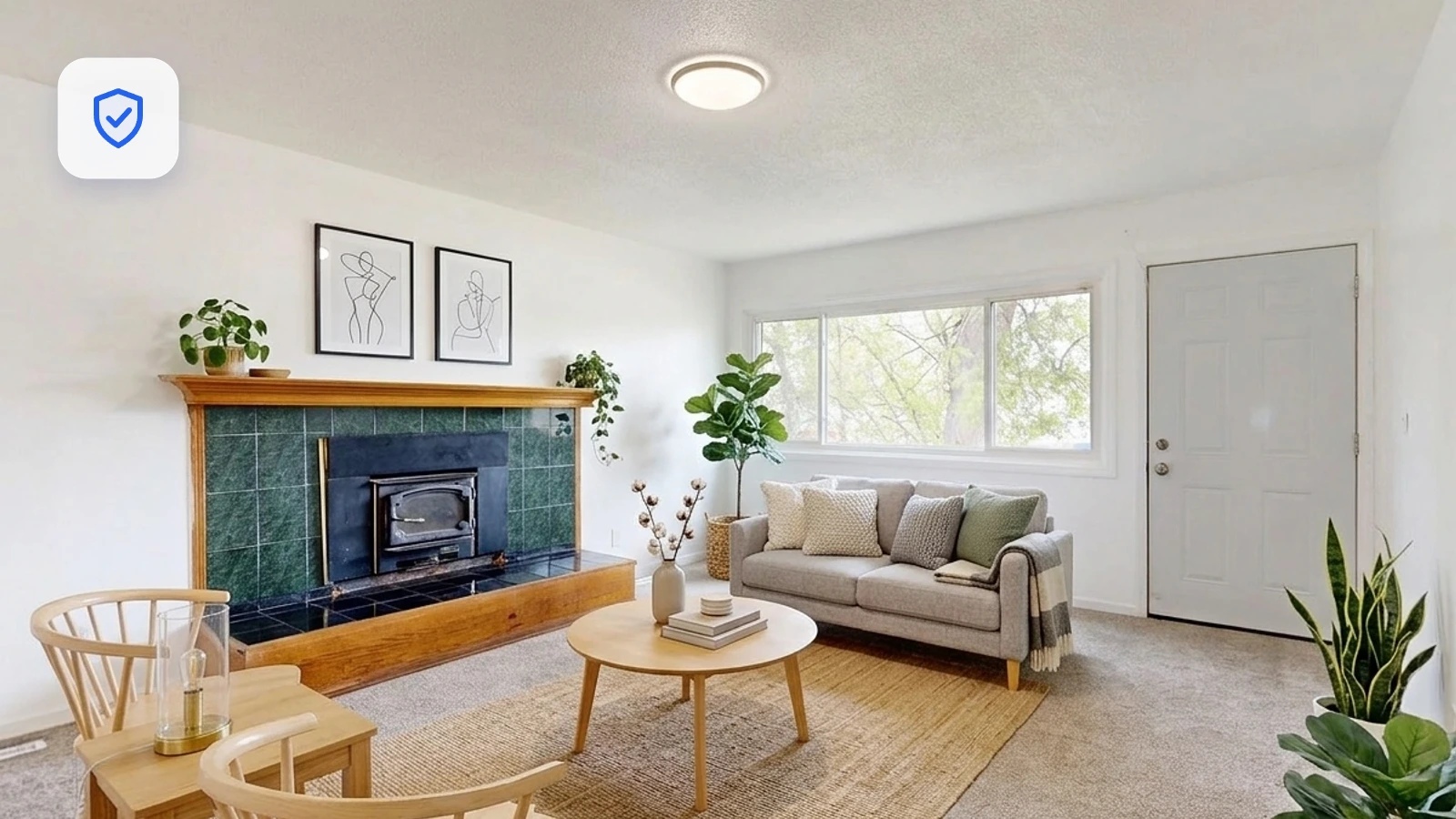
Short answer: yes. Virtual staging is allowed on the MLS and is used on listings every day across the country. There’s one condition that makes it fine, and one mistake that gets agents in trouble. This guide covers both.
Is virtual staging allowed on the MLS?
Virtual staging (digitally adding furniture and decor to a photo of an empty room) is broadly permitted by Multiple Listing Services (MLSs) and consistent with the NAR Code of Ethics, whose Article 12 requires REALTORS® to present a “true picture” in their advertising and marketing. Adding tasteful furniture to help buyers picture a space is considered a marketing enhancement, not a misrepresentation, as long as the photo still reflects the property honestly.
In other words, the MLS doesn’t object to virtual staging itself. What it cares about is whether the listing could mislead a buyer. That’s where disclosure comes in.
The one rule that matters: disclosure
The single most important rule is transparency. Buyers should never be surprised to walk into a home and find that the furniture in the photos doesn’t exist. Most MLSs, and many state real estate commissions, require that virtually staged images be clearly disclosed so nobody is misled about what’s actually there.
How to disclose virtual staging the right way
Disclosure is simple and takes seconds. Best practices most MLSs accept:
- Label each staged photo. Add a visible note such as “Virtually staged” in the image caption, or a small watermark on the image itself.
- Include at least one photo of the empty room. Showing the actual, unfurnished space alongside the staged version removes any ambiguity, and builds trust.
- Mention it in the listing remarks. A short line like “Some photos are virtually staged” in the public description covers you.
- Keep the edits to furniture and decor. Sofas, rugs, art, plants, and lighting are fair game. The structure of the room is not.
What you should never do
Virtual staging crosses the line when it changes what a buyer is actually purchasing. Avoid:
- Hiding defects. Don’t cover water stains, cracks, damage, or dated finishes with virtual furniture. That’s misrepresentation.
- Altering permanent features. Don’t add or remove walls, windows, doors, built-ins, or change flooring, countertops, or the view out the window.
- Changing the room’s true condition or size. The space should look like itself, just furnished.
- Leaving it unlabeled. Even beautiful, honest staging should be disclosed. Skipping the label is the most common mistake.
Sample disclosure wording
You can keep it short. Any of these work:
- “Photos are virtually staged.”
- “This image has been virtually staged to show the room’s potential.”
- “Virtually staged. Furniture shown is not included.”
Rules vary by MLS and state
While the disclosure principle is nearly universal, the specifics differ. Some MLSs want a watermark on the image; others accept a caption or a note in the remarks. A few states have their own advertising rules for real estate professionals, and two now have a law written specifically for digitally altered listing photos: we go through all of it, jurisdiction by jurisdiction, in the 2026 state-by-state disclosure guide. Before you publish, check your local MLS’s photo/advertising policy and your state real estate commission’s guidance. It takes five minutes and saves headaches later.
How Stagify keeps you on the right side of the line
Stagify is built to produce staging that’s easy to disclose and honest by design. It only adds furniture and decor to your photo; it never alters the walls, windows, layout, or condition of the room, so your images stay a true representation of the space. With the Masking Studio you can even control exactly which areas of a photo may change, keeping everything else pixel-for-pixel identical to the original. That makes labeling a staged photo and pairing it with the original shot effortless.